
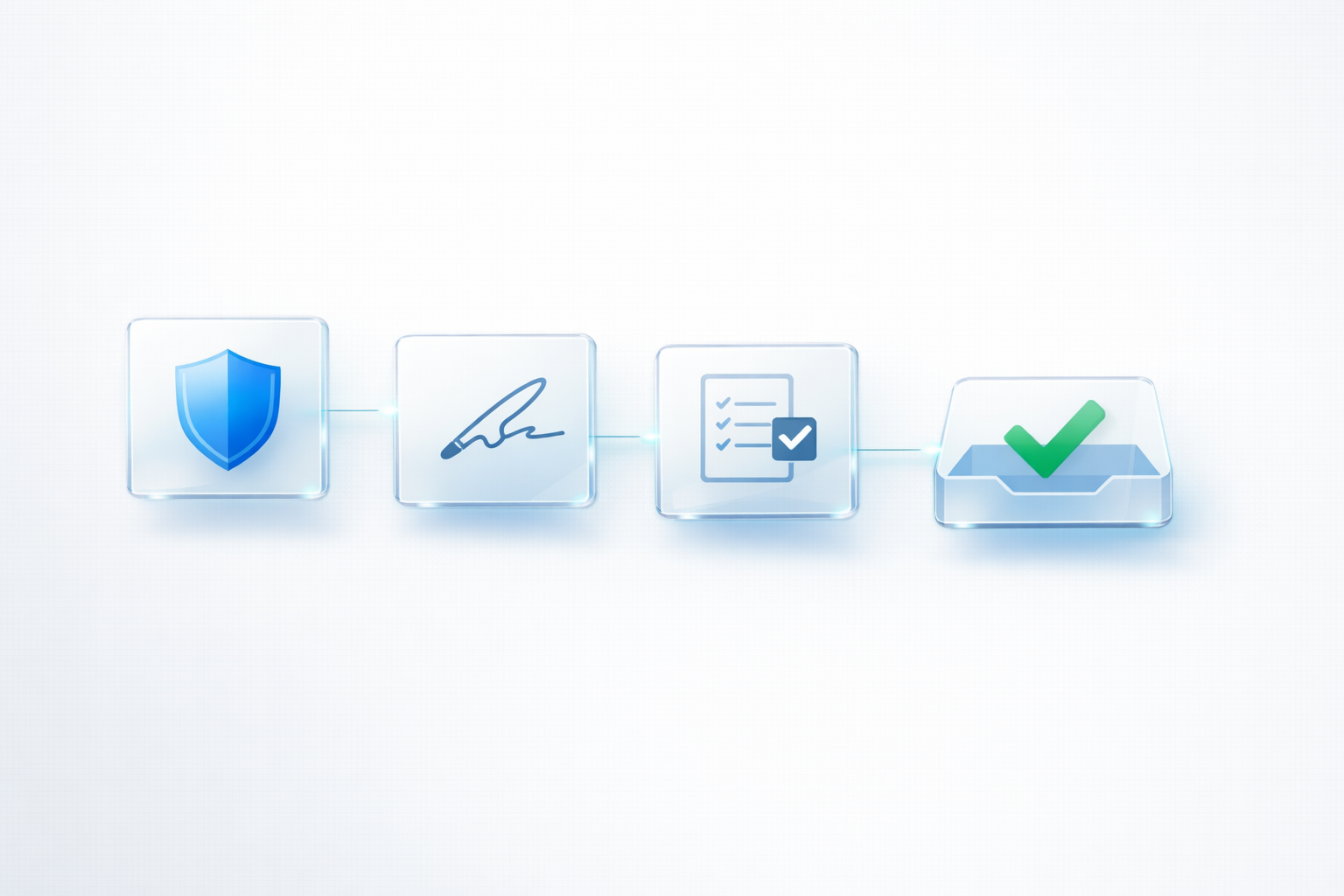
SPF, DKIM, and DMARC Explained Simply (and What to Fix First)
If your emails land in spam, most people assume it’s because of “the template”.
In reality, templates matter much less than trust.
Email providers decide whether to place your email in the inbox based on whether they can verify that it truly came from your domain, and whether your domain has a good reputation.
That’s where SPF, DKIM, and DMARC come in.
This post explains them in plain English and gives you a practical order of operations so you know what to fix first.
If you want Empex to audit and set this up correctly, start here:
Email Infrastructure
The simple idea behind SPF, DKIM, and DMARC
Think of email like post in the real world.
If anyone could write your company name on an envelope and send it, customers would get scammed constantly. Email providers are trying to prevent that.
SPF, DKIM, and DMARC are three ways to prove:
- who is allowed to send email for your domain
- that the email hasn’t been tampered with
- what providers should do if something looks suspicious
You don’t need to memorise the acronyms. You need the outcome: verification and control.
What SPF does
SPF is a DNS record that says:
“Only these servers/services are allowed to send email for my domain.”
So if you use Microsoft 365, Google Workspace, or a sending service like SES/Mailgun/SendGrid, SPF helps providers confirm that the sending server is authorised.
If SPF is missing or wrong, providers get suspicious fast.
What DKIM does
DKIM is like a digital signature.
It proves the email was genuinely sent by an authorised system and wasn’t modified in transit.
Even if the content looks fine, missing DKIM can reduce trust, especially when you send campaigns or automated sequences.
What DMARC does
DMARC is the policy layer.
It tells providers what to do if SPF or DKIM fails.
It also lets you receive reports that show who is attempting to send email using your domain.
In other words, DMARC gives you control and visibility.
What to fix first (the practical order)
Here’s a simple order that works for most businesses.
Step 1: Confirm what systems send email for your domain
Before changing DNS, list everything that sends email:
- your inbox provider (Microsoft 365 / Google Workspace)
- your website (contact forms)
- any newsletters or CRMs
- any automation tools
This prevents breaking legitimate sending later.
Step 2: Fix SPF (one clean record)
Many businesses accidentally create multiple SPF records, which breaks SPF.
You want one SPF record that includes the services you use.
Step 3: Enable DKIM for your main providers
Turn DKIM on for your email provider and any sending service that supports it.
Step 4: Add DMARC with a safe policy first
Start with a monitoring policy so you can see what’s happening without disrupting mail.
Then strengthen the policy once you’re confident everything legitimate is aligned.
Why these settings still don’t guarantee inbox (but they’re required)
SPF/DKIM/DMARC are necessary, but deliverability also depends on reputation and behaviour.
If you send to old lists, get complaints, or spike volume suddenly, you can still land in spam.
But without SPF/DKIM/DMARC, you’re starting the race with a handicap.
Want Empex to set this up properly?
If you want reliable deliverability without guesswork, we can audit your domain, align your sending systems, and implement the right DNS configuration safely.
✅ Book an email deliverability audit: Book now
Or ask a question: Contact us
Comments
No comments yet. Be the first to leave one.
Related posts
View all →
Why Emails Going to Spam Can Quietly Damage Your Business
When business emails land in spam, the damage is often invisible. This guide explains how poor email deliverability affects enquiries, trust, follow-up, and customer experience for UK SMEs.
Service Pages That Rank Locally: What to Include
Strong service pages improve both local rankings and enquiries. This guide explains what to include, why it matters, and how UK businesses can structure pages that are clear, trustworthy, and easy to choose.
Homepage Checklist: The 7 Elements That Turn Visitors Into Enquiries
A high-converting homepage isn’t about fancy design — it’s about clarity, trust, and a smooth next step. Here are seven elements that consistently turn visitors into enquiries for UK businesses.